HTTP 401: invalid access token or token expired
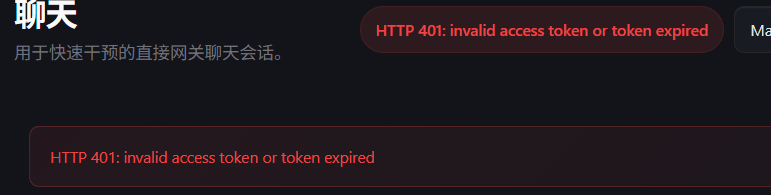
通常是Api Kay没有配置正确。或者你的Api K已经过期
修改openclaw.json auth-profiles.json
openclaw.json目录 .openclaw/openclaw.json
auth-profiles.json目录 .openclaw/agents/main/agent
openclaw.json 内
{
  "models": {
    "mode": "merge",
    "providers": {
      "bailian": {
        "baseUrl": "https://dashscope.aliyuncs.com/compatible-mode/v1",#我这里用的是百炼的地域
        "apiKey": "You Api Key", #改成为你的Api K
        "api": "openai-completions",
        "models": [
          {
            "id": "qwen3.5-plus",
            "name": "qwen3.5-plus",
            "reasoning": false,
            "input": [
              "text",
              "image"
            ],
#auth-profiles.json内
{
"version": 1,
"profiles": {
"ollama:default": {
"type": "api_key",
"provider": "ollama",
"key": "ollama-local" #改为你的Api K
},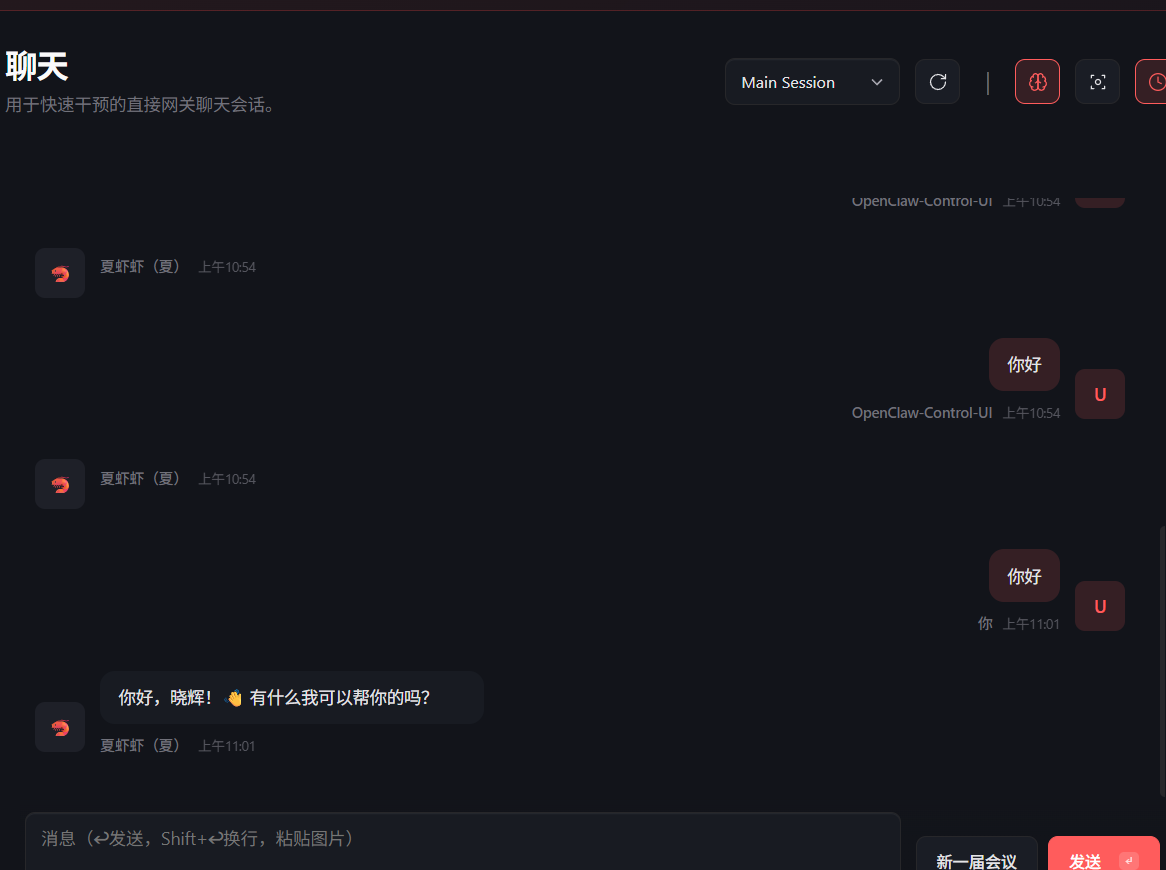
就行啦
LLM request timed out.
出现这个问题通常是访问大模型超时,请求上下文过大导致。
我是因为开启了魔法,连接不上国内大模型地址
你可以用curl -vvv [大模型厂商地址]查看大模型的连通性
虚拟机部署宿主机无法访问web页面
有两个解决方法。1.装https证书 2.ssh端口转发
https证书安装太过于繁琐,而且只是在内网访问
推荐ssh端口转发 ssh -L 18789:localhost:18789 root@You ip
然后输入虚拟机密码挂着
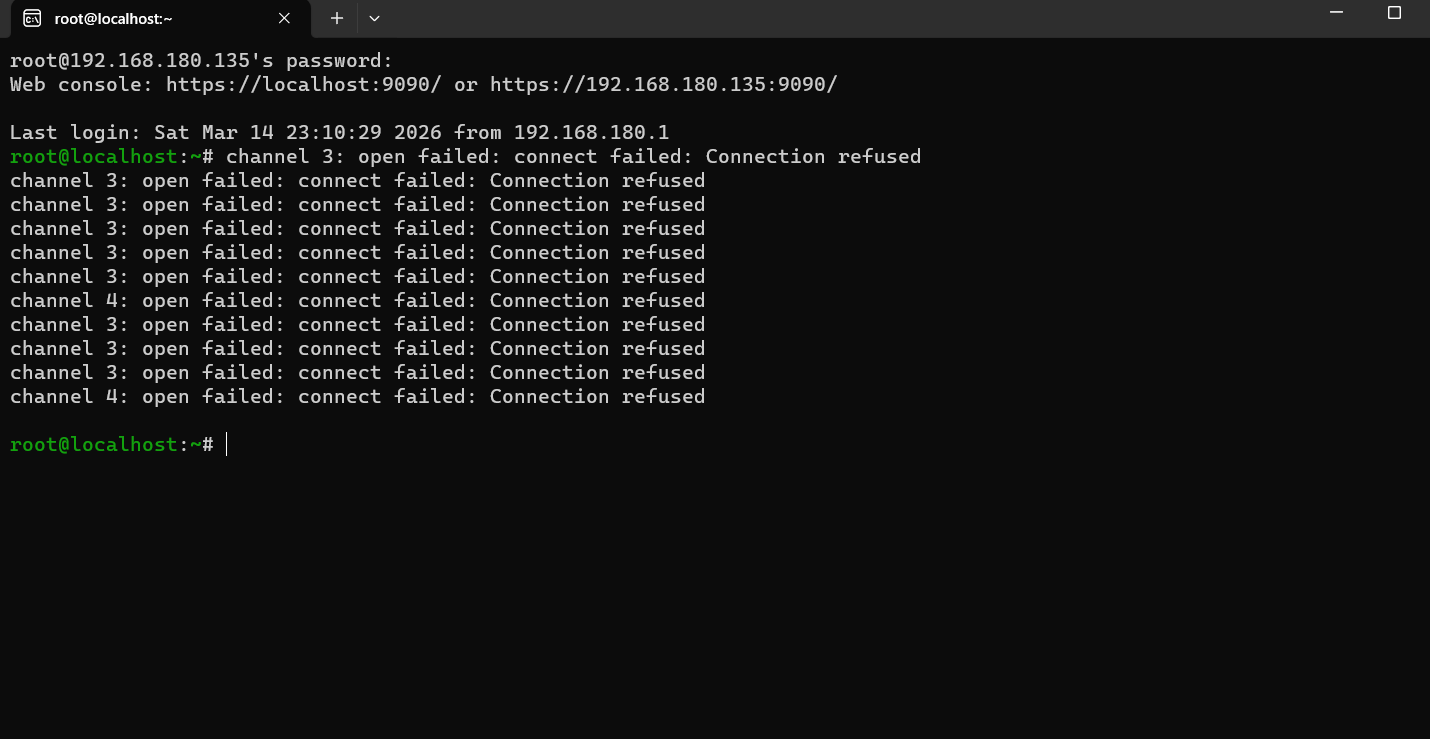
然后在宿主机上就可以访问localhost:18789
部署正常飞书不回复
有时候更新可能会把插件干了
openclaw plugins list 看看 fieshu 的状态
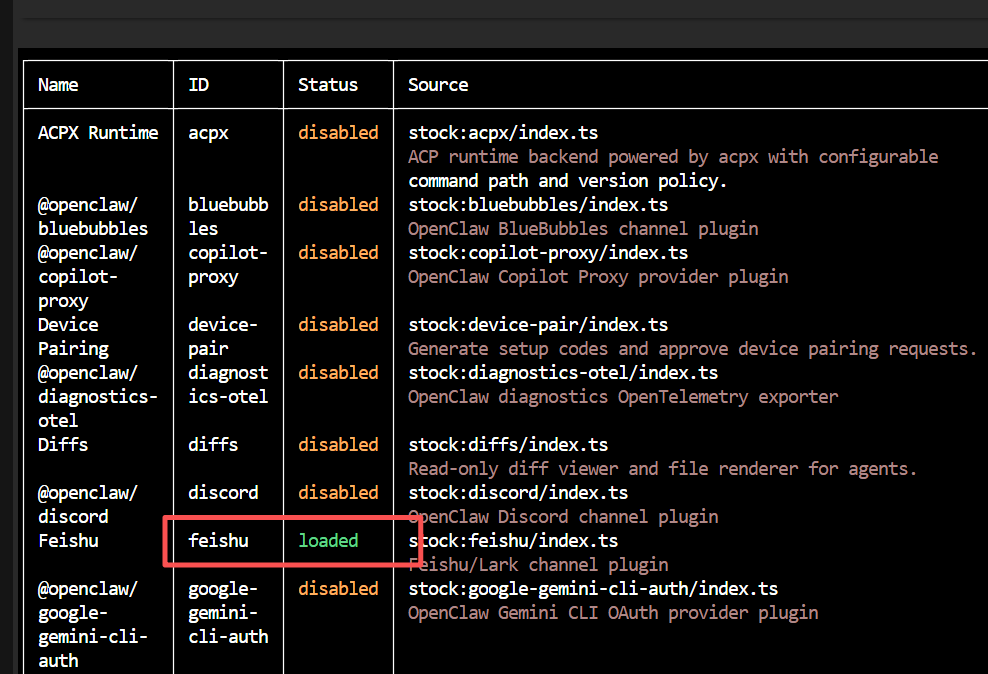
状态为正常应该为loaded 如果未安装就安装在启用 openclaw plugins install feishu
如果是disabled 就直接启用 openclaw plugins enable feishu
然后重启网关
1